
District Campions in the 4 X 200 meter relay.

Fun times at the dance!


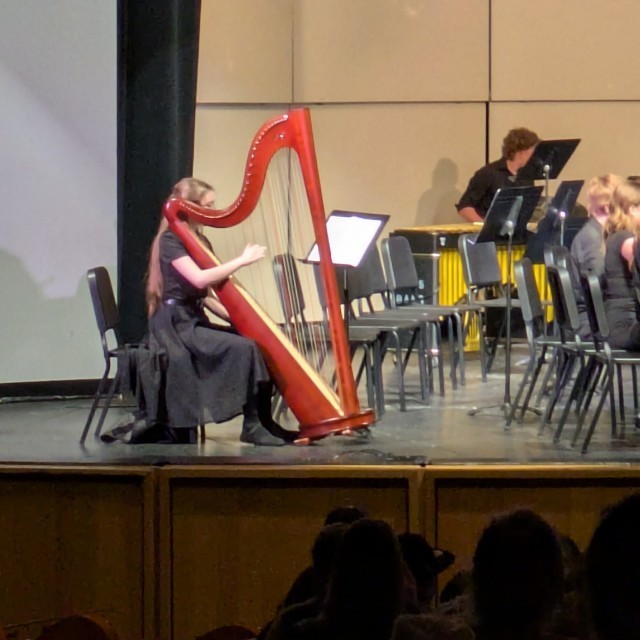
Way to go South Davis Junior High Orchestra!




Chipotle fundraiser - Wednesday May 14th.
CHIPOTLE FUNDRAISER FOR
SOUTH DAVIS JUNIOR HIGH
SCHOOL PTSA
25% OF EVENT SALES GET DONATED TO THE CAUSE
----------------------------------------------------------------------
WEDNESDAY, MAY 14TH | 4-8PM
135 N 500 W STE A, WEST BOUNTIFUL, UT, 84010
----------------------------------------------------------------------
ORDER ONLINE FOR PICKUP USING CODE 2NF8QLT
OR SHOW THIS FLYER IN RESTAURANT
Field Day is Wednesday May 21st from 1:00 - 3:00pm!
Please come help chaperone!
https://www.signupgenius.com/go/30E0F49ABAC2AA0FC1-south1#/
Thank you!!
SDJH PTA
The CCA classes have a fun activity coming up and the counselors need our help to pull it off! See the sign up below and give an hour or two of your time!!
https://www.signupgenius.com/go/30E0F49ABAC2AA0FC1-south#/
If you have questions, please contact SDJH counseling center 801-402-6407.
Thank you SDJH Family!!
SDJH PTA
Purple Up for Military Kids!
Today, our amazing staff came together to show their support for our military families by wearing purple in honor of Purple Up Day. It was a powerful reminder of the strength and resilience of our military students, and the dedication of those who support them every day.
We salute our military families and the heroes who serve, both in and out of uniform. The service and sacrifice is appreciated by all.
#PurpleUp #MilitaryKids #SupportOurTroops #WeAreGrateful#GoSpartans


Track had an awesome day on Monday for their first meet! The students enjoyed the sun and all their events!


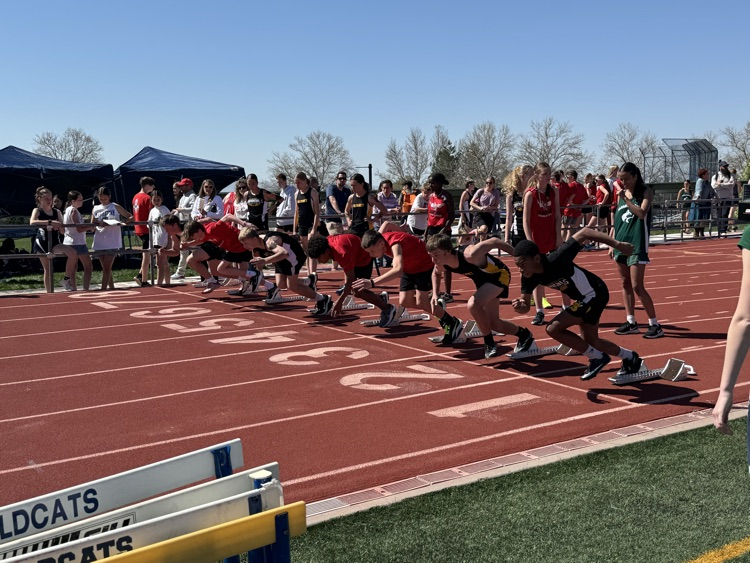


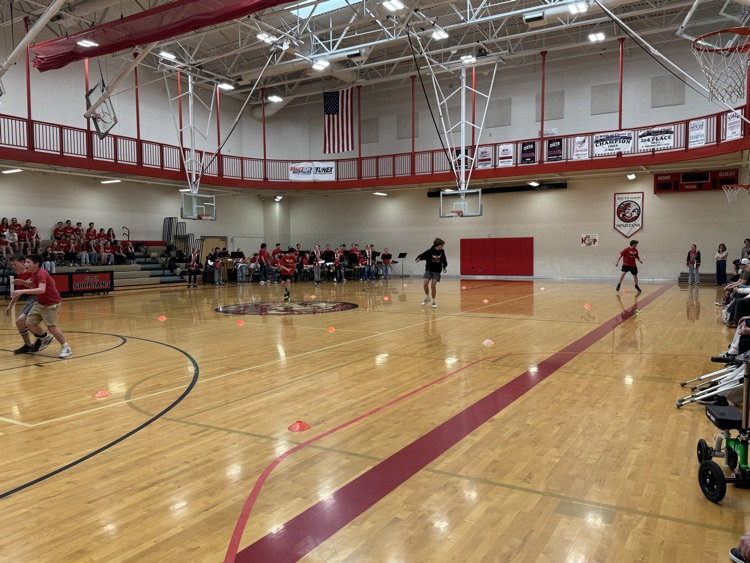
Big Thanks to our SBO's for their amazing work on our Track Pep Rally. We heard for our amazing Jazz Band and saw the track team compete in some fun events. Best of luck to our track team and thanks again to Ms. Cantonwine, Mrs. Adams, and our awesome SBO's. #GoSpartans




We want to congratulate our SDJH Cheer Squad! They got 1st Place in the High School Prep at Cheer Nationals. They also had three sweep the podium for the Jump Off Competition. Way to go Spartans!!!


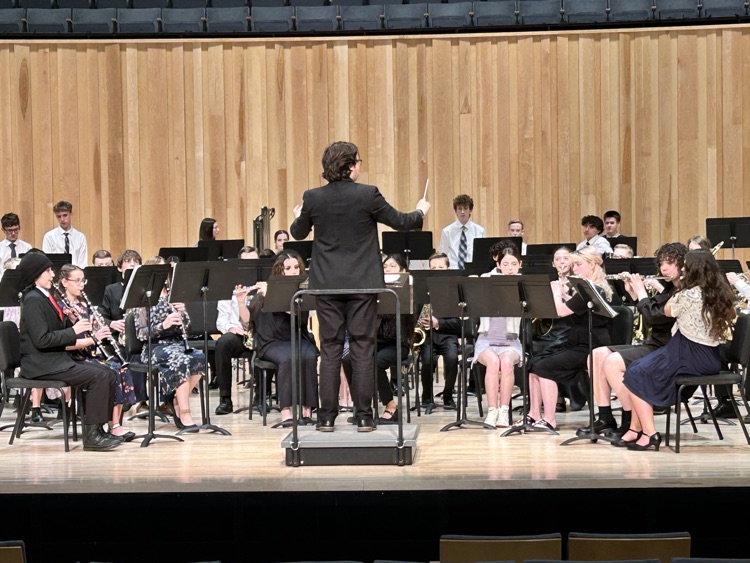
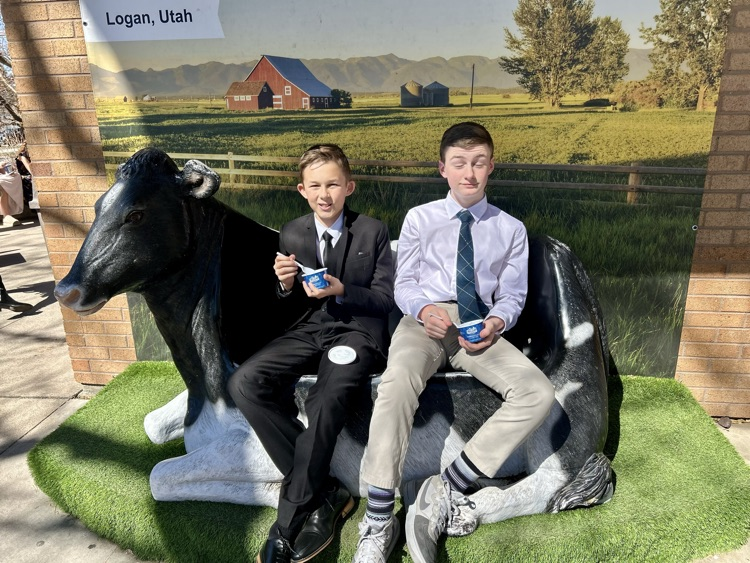
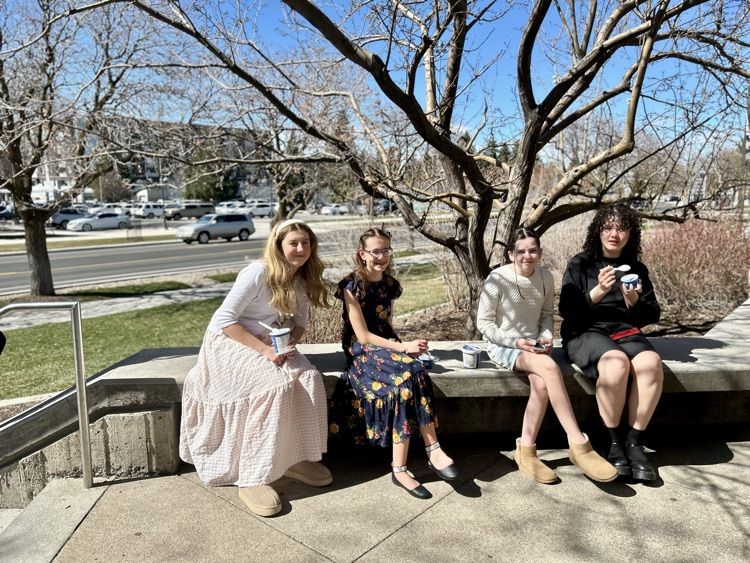
Congratulations to Mr. Erickson and our Concert Band students. They had an awesome experience at the USU Band Festival today! They represented our school so well! #GoSpartans





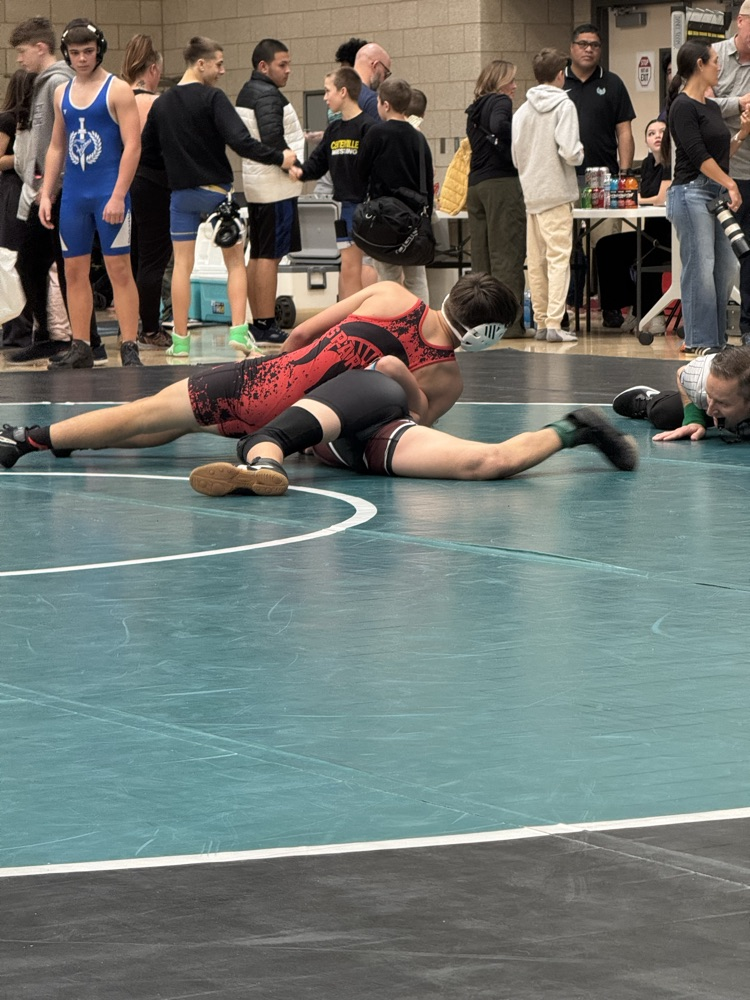
Congratulations to our SDJH Wrestlers for their awesome season. Today marked the end as we had 7 attend District Championship. All did awesome and represented the school very well. Extra congrats to Sam who took 6th place in his division. Thanks to Coach Dan, the other coaches, Mary Lyn West, and all those who participated for a great season! #GoSpartans




Shout out to our amazing DAL team! They had an incredible season! Big thanks to Mr. Asbury and Ms. Evans for coaching as well! Best season! #GoSpartans!

Great work to our DEEP students at the District History Fair. We had several students earn their way to the Regional Fair. Way to go Spartans!! #GoSpartans!


Congratulations to our Spartan Cheerleaders, they performed awesome at their competition this weekend. They came away with the Sportsmanship Award! Way to represent! #GoSpartans

Zupa's Fund Raiser - March 6, 4-9 pm
https://5il.co/391t6
Shout out to our amazing PTA and our Eat Lunch with Your Student Day! We appreciate all our parents that came, it was fun to see everyone! Great turn out! #GoSpartans


Panda Express fund raiser Feb. 19.
https://5il.co/36pdc
Congratulations to Coach Biehn, Coach Raymond, and the girl's basketball team for a great win over North Davis on Tuesday. Second round of tournament play is Monday, Feb. 10th. Game is at SDJH at 3:15pm. Come support our Spartans!


Spartan Preview Night was a success! Thanks to all our students and parents for coming and supporting. We hope you were able to learn about our programs to complete your course requests. Don't forget all course requests for all grades need to be done online by February 21st.


